
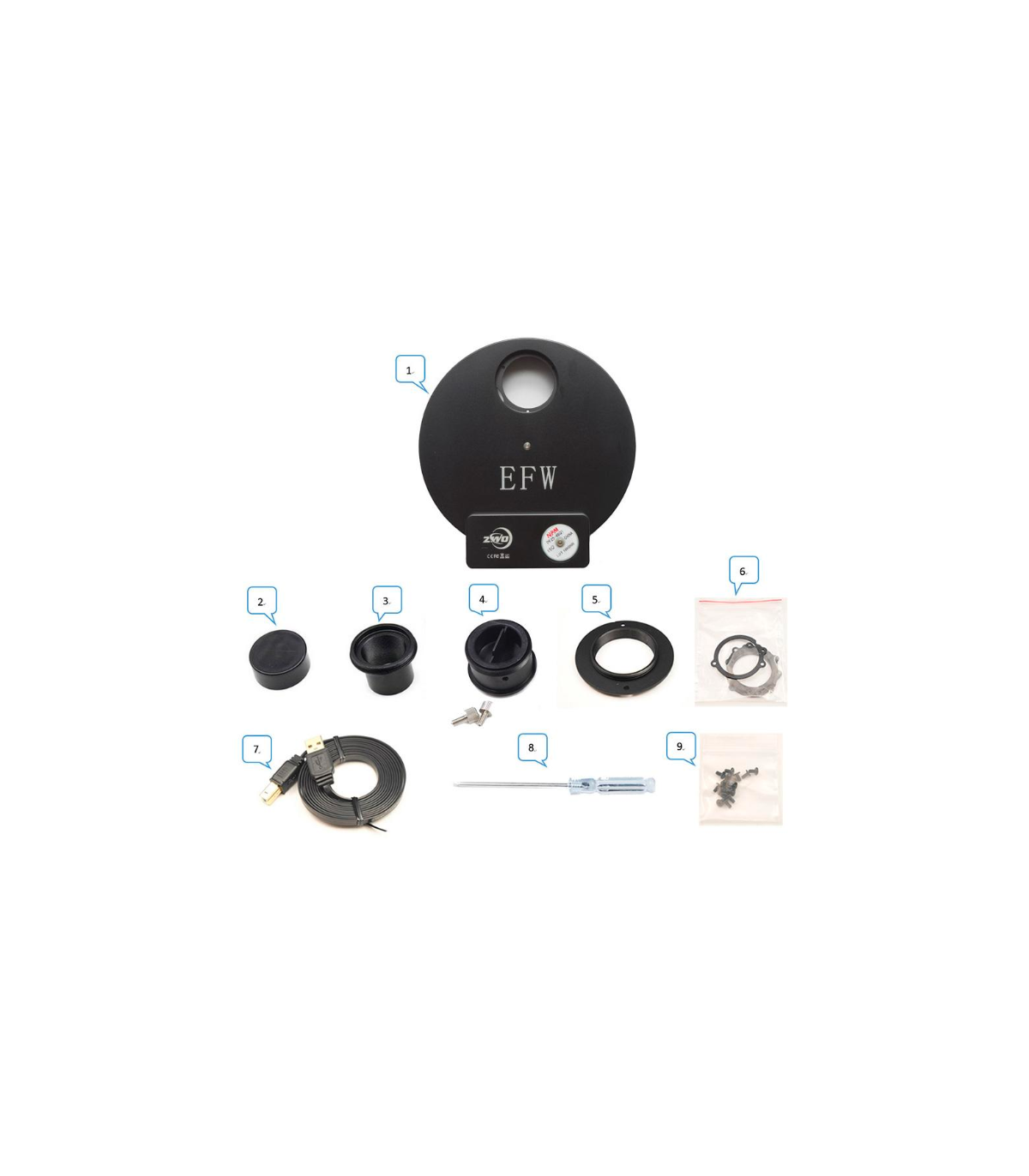
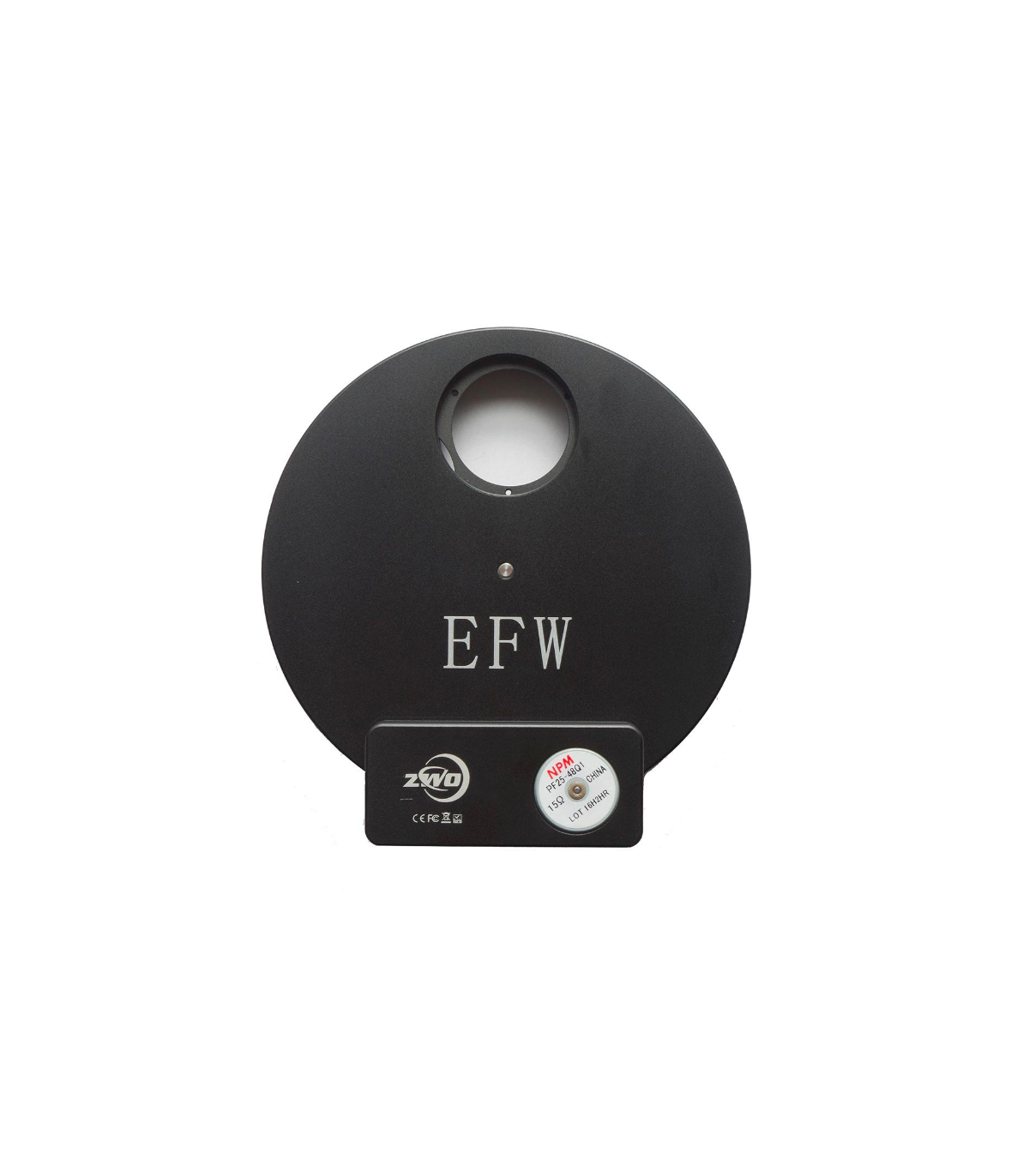


ZWO motorized filter wheel for 8 x 1.25" filters and 8 x 31mm filters

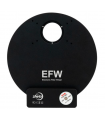
Compact filter wheel for ZWO MONO CCD cameras - perfect for astrophotography with L-RGB filter and nebula filter
♦ About 400 grams of light
♦ High quality CNC design with aluminum housing
♦ Stepper motor for filter change - from NPM
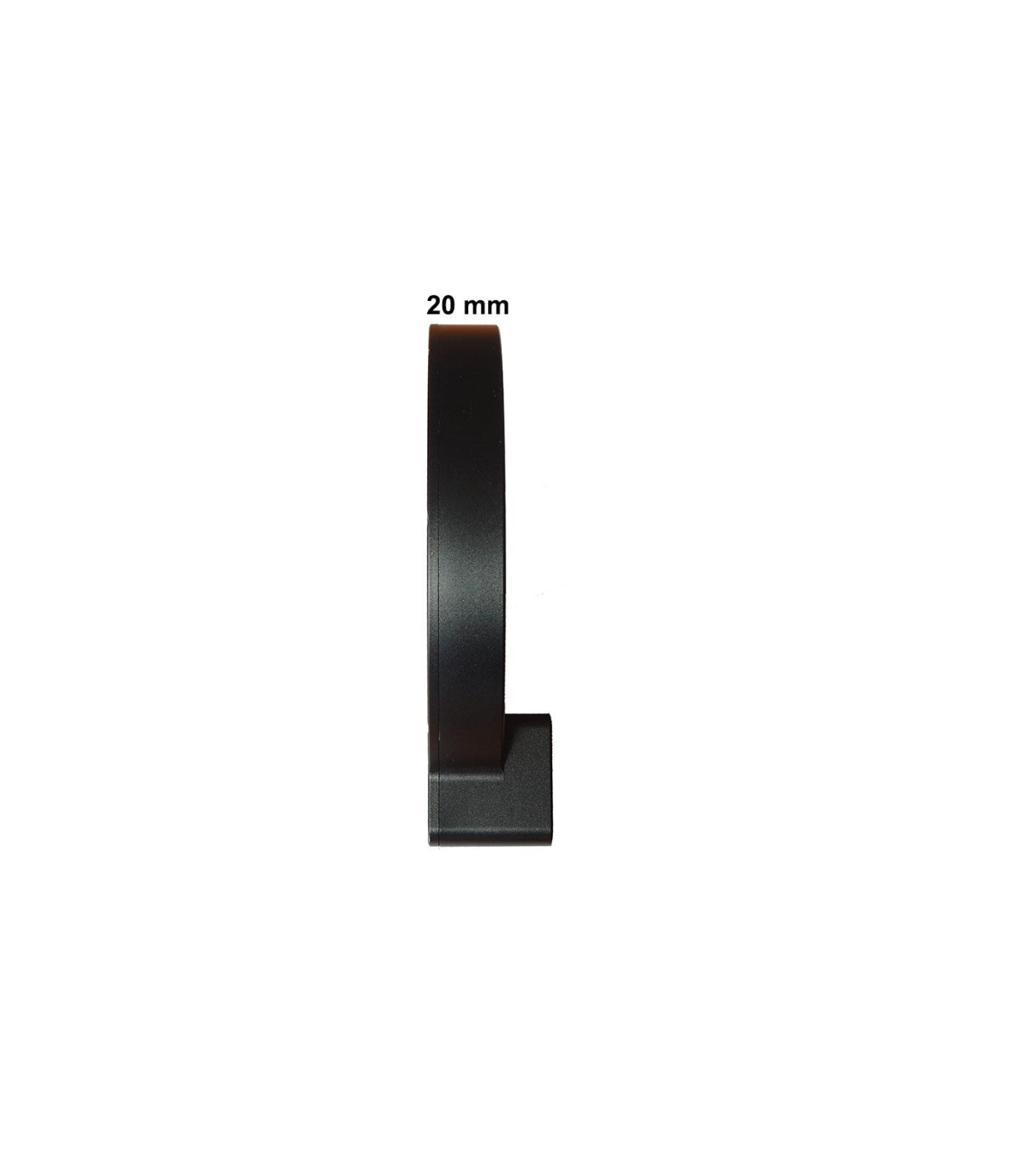
♦ Only 20 mm optical path from female T2 to female T2
♦ USB powered - low power consumption
♦ Telescope side connections: T2 internal thread + 1.25" receptacle
♦ Camera side connections: T2 internal thread, T2 external thread and 1.25"
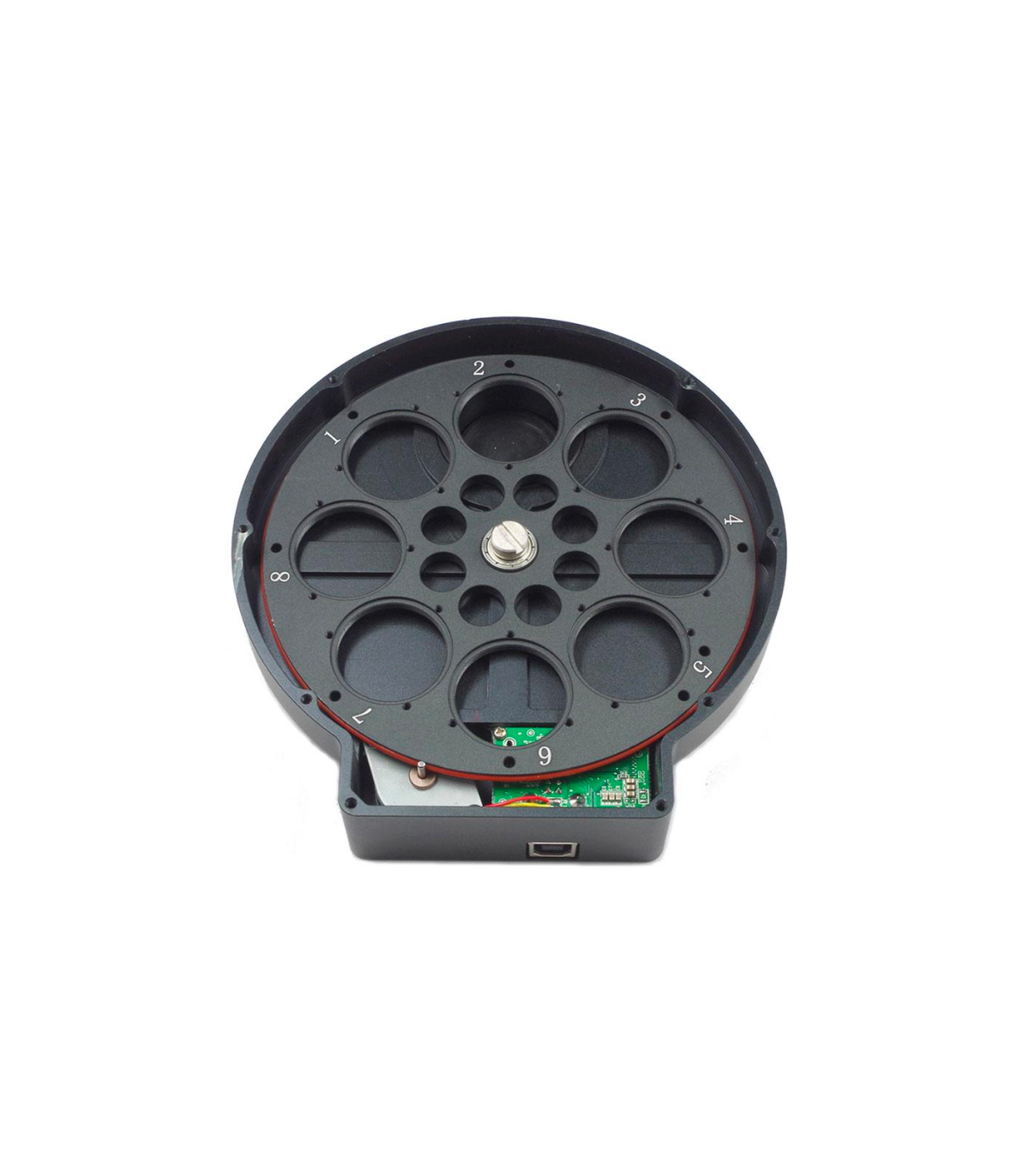
♦ Suitable for 8 mounted 1.25" filters or 8 unmounted 31mm filters
€429.00
(VAT incl.)
Reference:
ZWOEFW8x1.25
ZWO motorized filter wheel for ASI cameras and others
The motorized filter wheel is compact and lightweight at less than 400 grams (without filter). USB2.0 is enough as a power supply, the maximum power consumption is only 150mA, so you can connect the USB cable directly to the USB2.0 hub of ZWO ASI refrigerated cameras.
The filters are only 10mm from the sensor so there is no vignetting even with fast telescopes, even if you are working with the ASI1600. If you use unmounted 31mm filters, you can even work with lenses up to f/2 without annoying vignetting.
ZWO EFW filter wheel is perfect for creating L-RGB and false color images with ASI cameras
The filter wheel offers eight filter positions, ideal for L-RGB filters + three nebula filters.
Downloads, drivers:
ZW Optical provides software and drivers online for free download.
Software and drivers for all ZWO articles
Especificaciones:
| Type: | Motorized filter wheel |
| Offers space for: | 8x 1.25" mounted filters or 8x 31 mm unmounted filters |
| Telescope side connection: | T2-thread (female) and 1,25" |
| Camera side connection: | T2-thread (male/female) and 1,25" |
| Length: | Only 20 mm optical path (from T2 to T2 female) |
| Weight: | Approx. 400 grams |
 English GB
 Español