


TS-Optics Optical adapter M37 - T2 - camera connection to BW spotting scopes - digiscopy
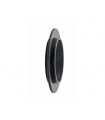

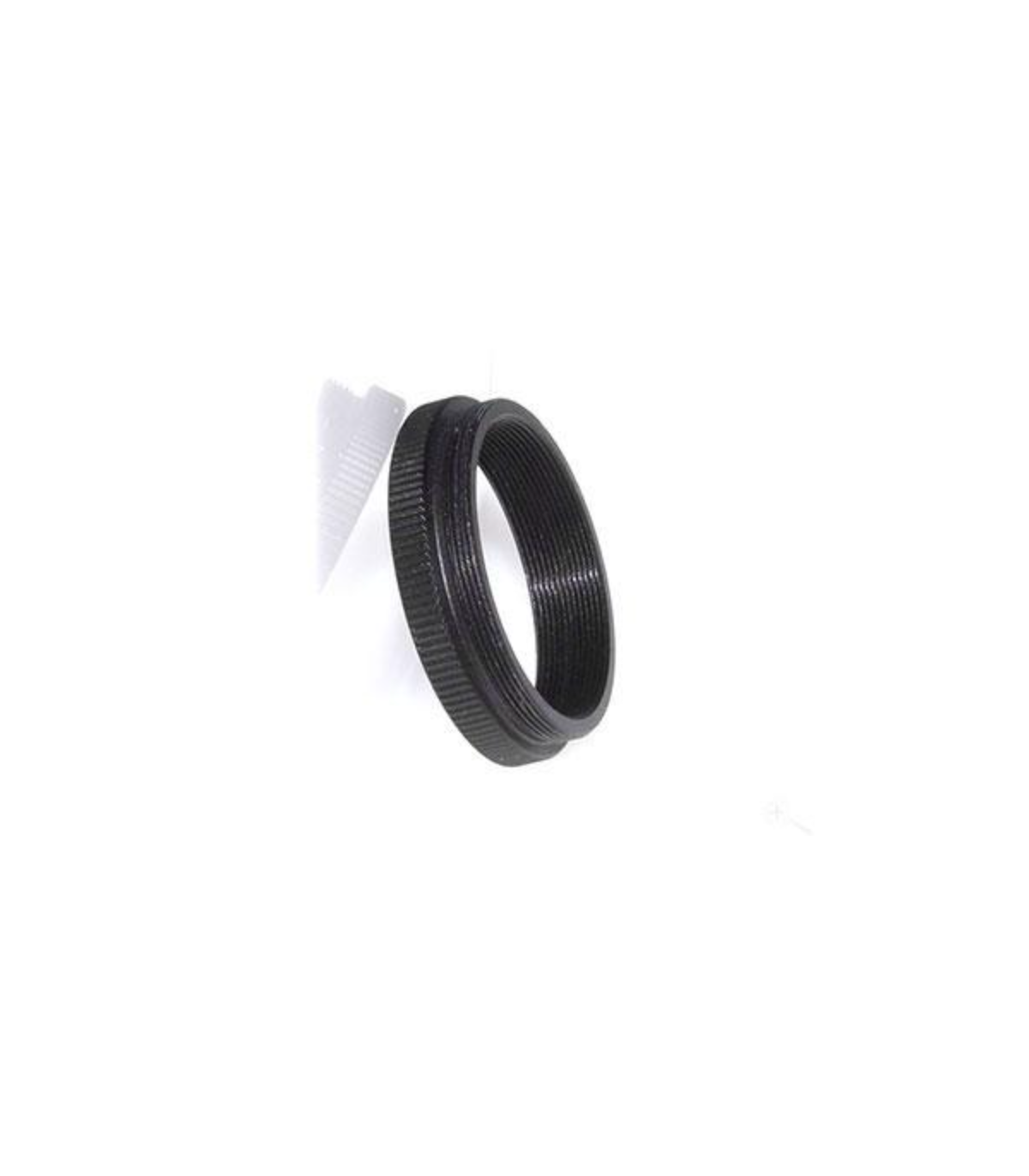
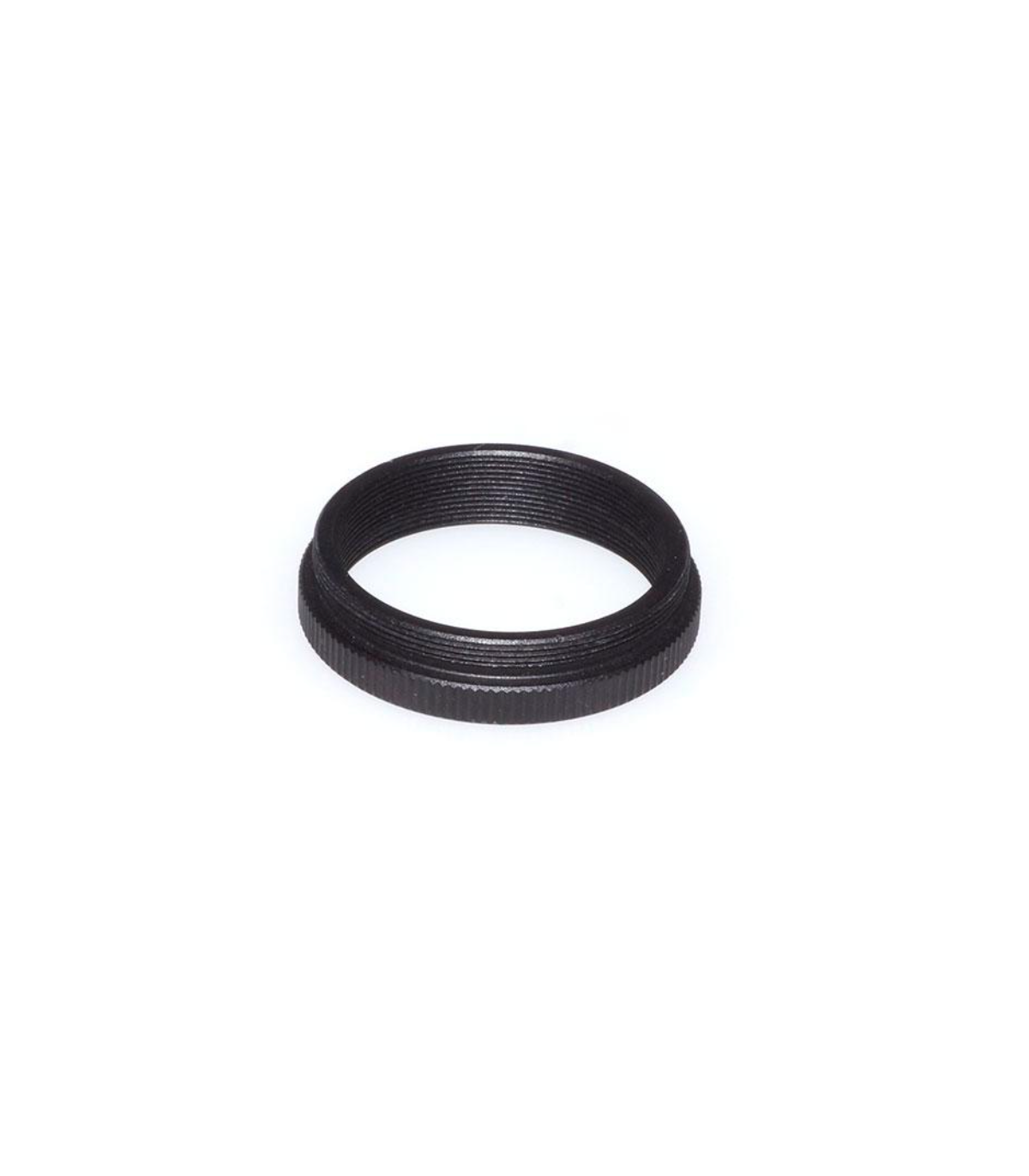
The BW-T2 digiscoping adapter allows cameras to be connected to TS Optics BW spotting scopes.
♦ Suitable, among other things, for older TS BW spotting scopes and also for all eyepieces with a 37 mm connection thread
♦ Easy adaptation: the adapter is screwed to the eyepiece instead of the eyecup
♦ Suitable for SLR cameras, system cameras and also fixed lens cameras
€47.76
(VAT incl.)
Entrega entre 8 y 10 días laborables
Reference:
BW-T2
TS T2 adapter for spotting scopes BW - connection adapter for photography
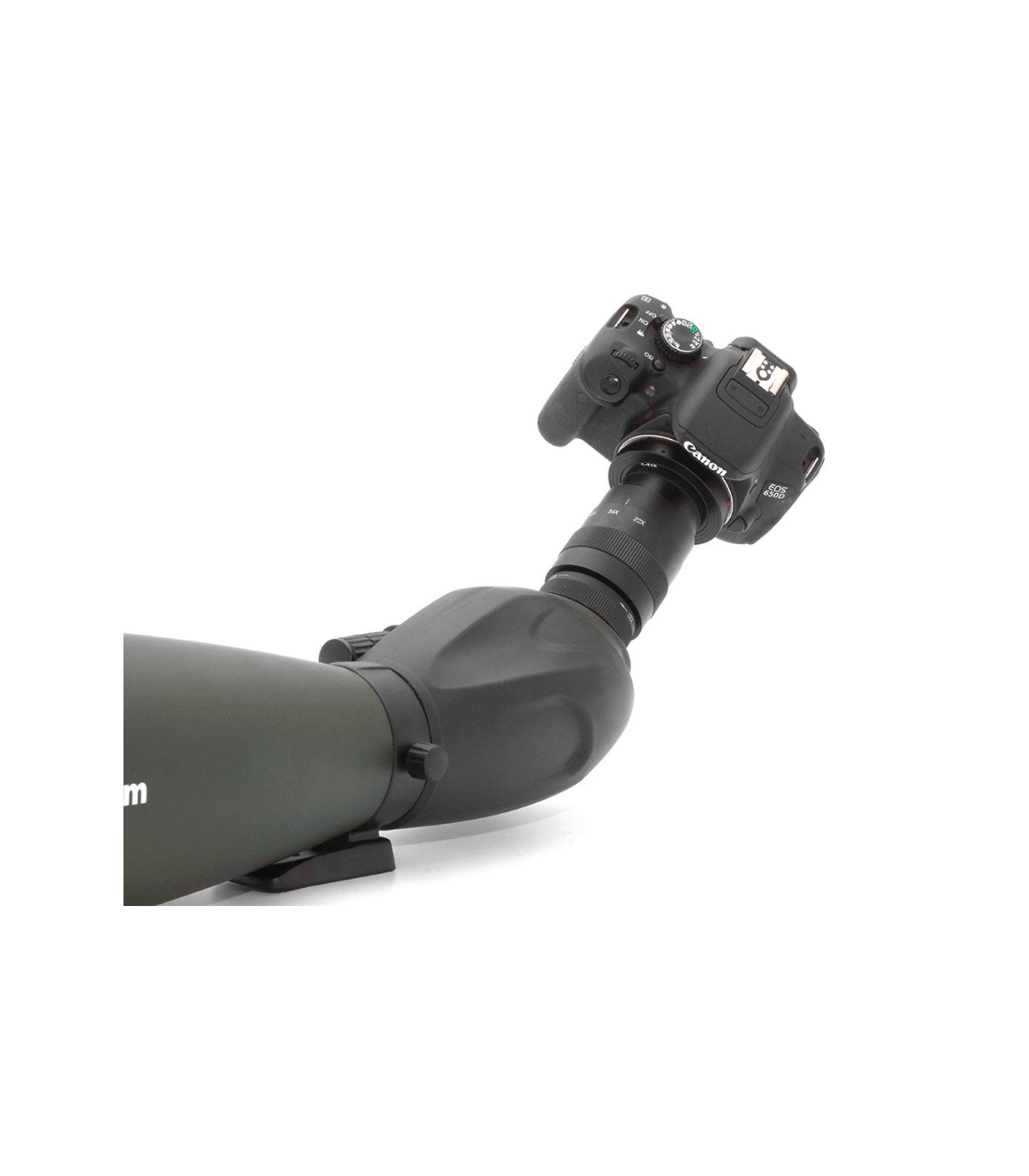
TS Optics BW spotting scopes are high-quality all-round spotting scopes for wildlife and landscape viewing. With this BW-T2 adapter, convert your spotting scope into a long focal length telephoto lens. Now you can tackle the fascinating field of digiscoping, that is, photography through spotting scopes.
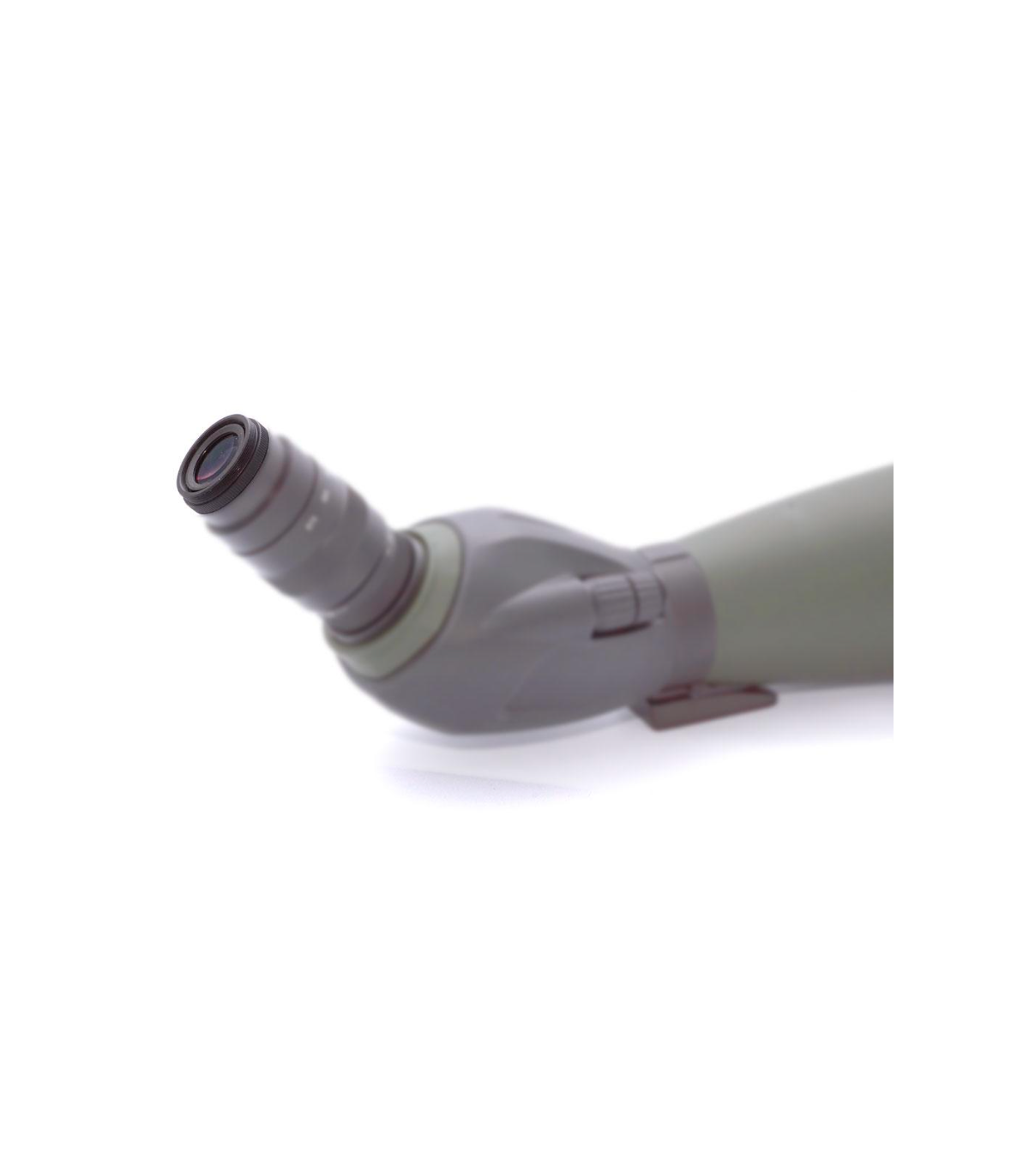
Fitting couldn't be easier: simply unscrew the zoom eyecup carefully counterclockwise and screw on the BW-T2 adapter. With the optional T2 adapter or lens adapter, you can mount your camera and get started.
All functions of the spotting scope, sharpness adjustment and variable zoom magnification are also preserved for photography. You can use all common cameras, such as DSLRs, system cameras or cameras with fixed lenses. The connection is always made through the T2 thread of the adapter.
Note: Some newer versions of the BW80Z and BW100Z do not have an eyepiece thread. The adapter cannot be attached here and the eyepiece cannot be removed beforehand (hence "beware").
| Female thread: | M37x0.75 thread (female), suitable for eyepieces like the zoom eyepiece of the BW spotting scopes |
| Camera connection: | T2-thread (M42x0.75), male |
| Length of the male thread: | 3.5 mm |
| Length of the not knurled part: | 4.8 mm |
| Total length: | 10 mm |
What goes in the box:
♦ TS Optics Adapter
 English GB
 Español