
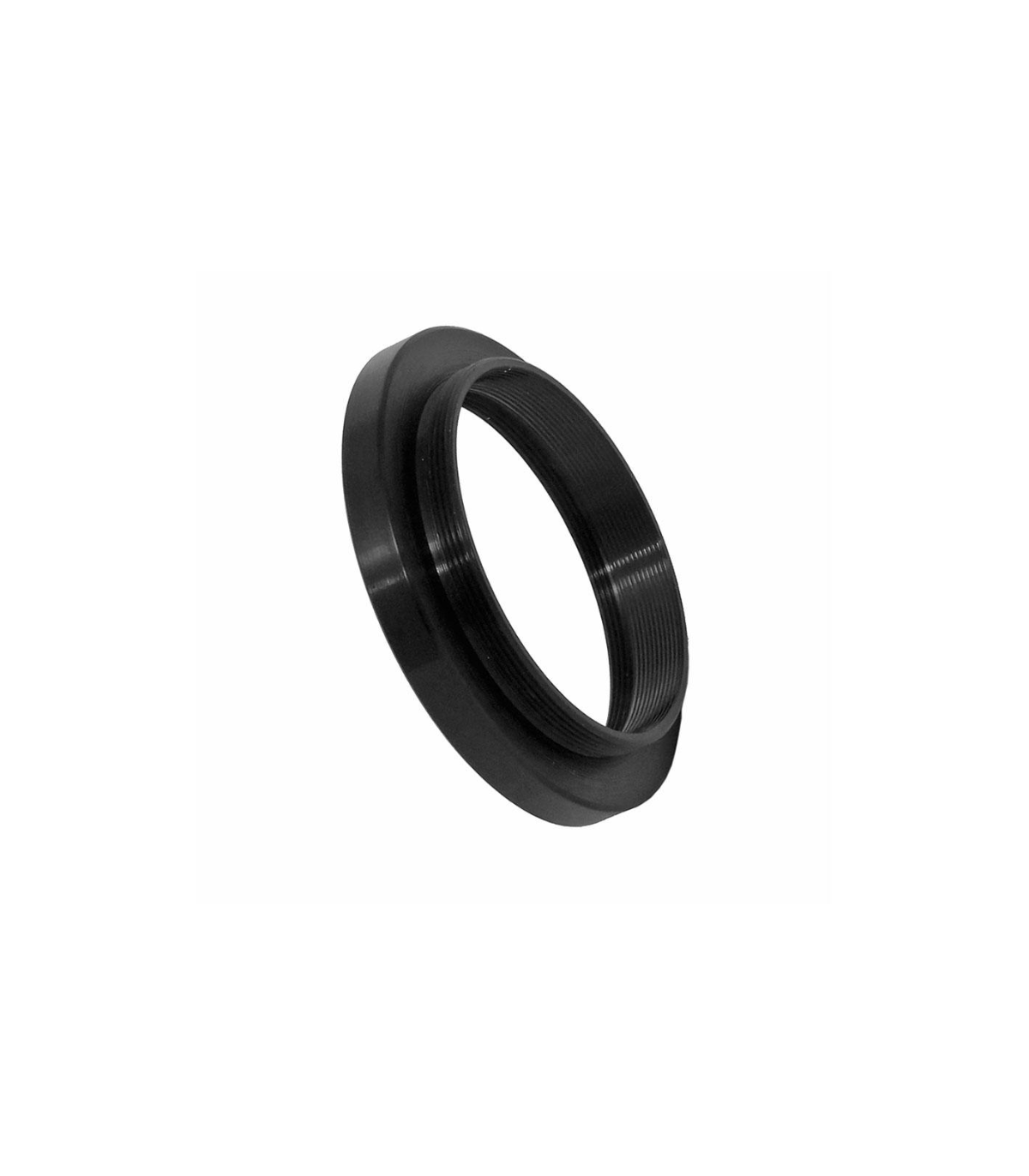


TS-Optics M48 connection adapter for Starizona 0.75x SCT Reducer old version
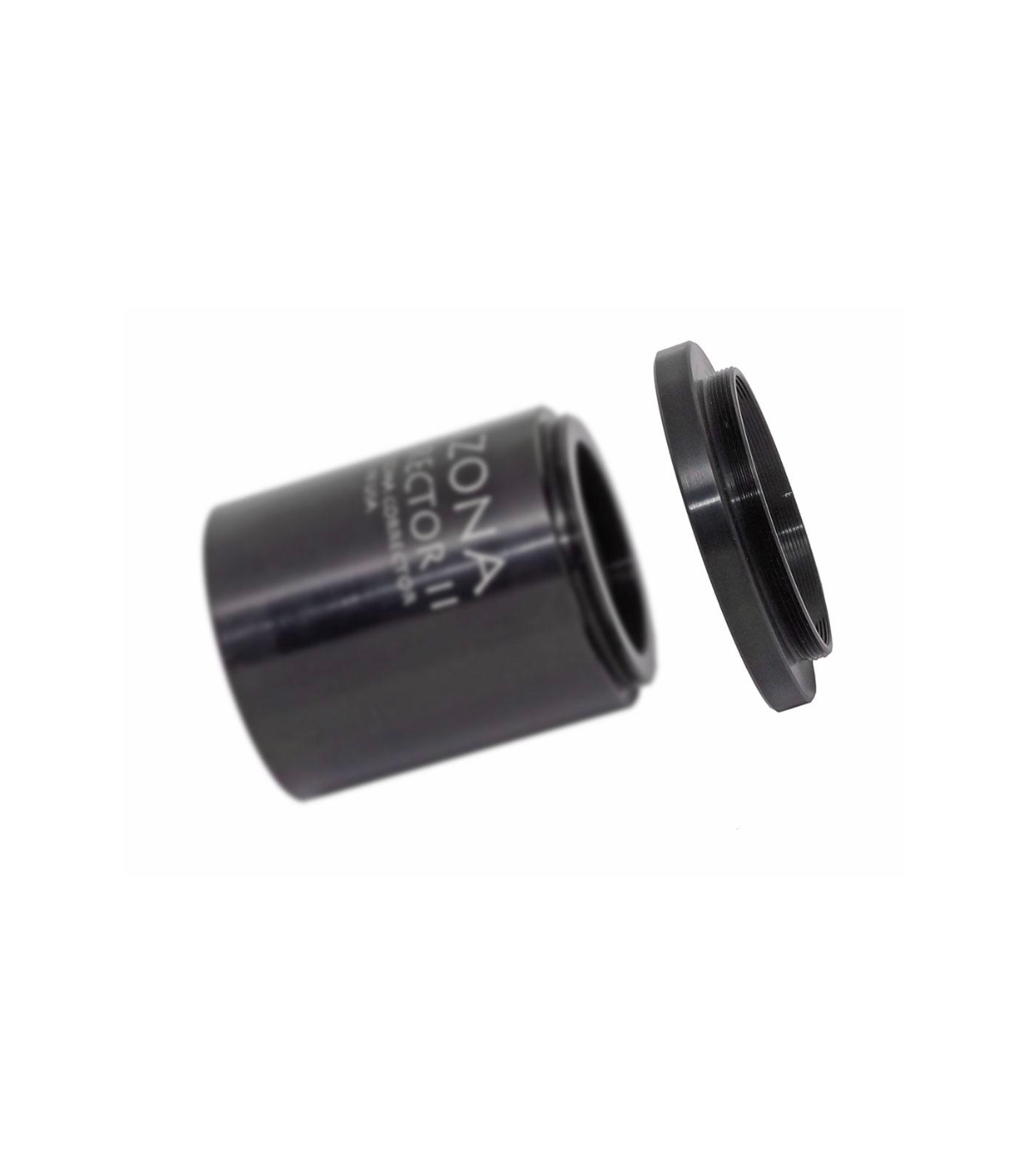
This adapter allows you to connect accessories to the Starizona 0.75x SCT reducer and corrector.
♦ Telescopic side connection: internal thread 1.8" x 32 - suitable for Starizona 0.75x reducer and corrector for Schmidt-Cassegrains. This is the connection thread of the old version.
♦ Camera side connection: M48x0.75 - 2" filter thread - external thread
♦ Total optically effective length: 6 millimeters
♦ Working distance from the M48 thread to the sensor: 84 millimeters (in connection with the SCTCORR75)
€215.76
(VAT incl.)
Entrega entre 8 y 10 días laborables
Reference:
CORR75-M48
TS Optics adapter for Starizona 0.75x focal length corrector and reducer for Schmidt-Cassegrain telescopes
The Starizona SCT 0.75x corrector is currently the best corrector for Schmidt-Cassegrain telescopes in our range. The corrector has an inch connection thread. This adapter CORR75-M48 converts the connection thread to the common thread M48x0.75 and thus allows a problem-free adaptation of your camera.
Connection of CCD cameras and DSLR cameras:
From the M48 thread you have a distance of 84 mm to the optimal position of the sensor. You just need to know your camera's optical path and additional configuration to mount your camera with adapters from our range.
Adaptation of DSLR cameras via T2: The working distance of a SLR camera with T2 ring is 55 mm. So you have to bridge 29mm and fit T2. So you need:
♦ TSVF210 - 10mm M48 Extension
♦ TSM48-T2 - M48 to T2 thread transition
♦ TST2V10 - 10mm T2 Extension
and then you can connect your SLR with T2 ring directly.
Adaptation of DSLR cameras via M48: here too the working distance is 55 mm. So you have to bridge 29mm. The M48 thread is retained. So you need:
♦ M48Tuning Ring1 - 1mm tuning ring
♦ Bahyp28 - 28mm M48 Extension
and then you can connect your SLR directly with the M48 ring.
| Connection at telescope side: | 1.8" x 32 thread (female) - fits to the Starizona 0.75x reducer and corrector for Schmidt-Cassegrain telescopes |
| Connection at camera side: | M48x0.75 - 2" filter thread (male) |
| Optical path: | 6 millimetres |
What goes in the box:
♦ TS Optics Adapter
 English GB
 Español