
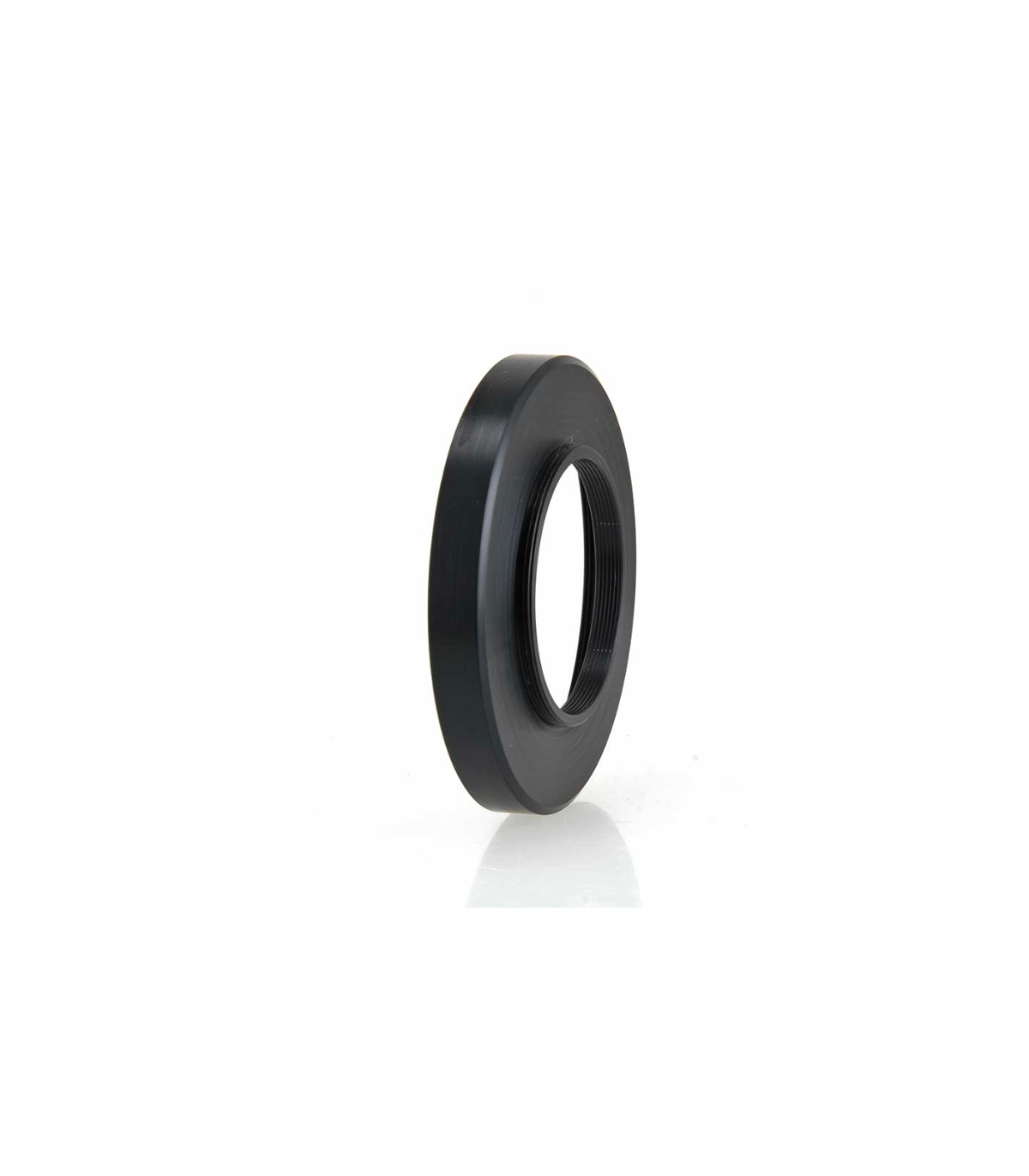

TS-Optics T2 Adapter for HyperStar C8 and Hyperstar C6 - SC and EHD Version
Adaptador T2 corto para Starizona Hyperstar C6 y C8 para conectar accesorios T2
♦ El adaptador encaja en la rosca del lado de la cámara del HyperStar y se adapta a T2
♦ La distancia de trabajo desde la rosca T2 hasta el sensor de la cámara es de 37,5 mm (la rosca T2 no cuenta)
♦ Debido al diseño corto del adaptador, aún tiene espacio para varios accesorios y puede adaptar fácilmente todas las cámaras astronómicas comunes.
♦ Se adapta a HyperStar C6 y C8 - todas las versiones
€215.76
(VAT incl.)
Entrega entre 8 y 10 días laborables
Reference:
HyperStar8-T2
TS-Optics T2 adapter for Starizona HyperStar
Teleskop-Service has developed a short connection adapter especially for the Starizona HyperStar systems, which offers maximum space for photographic adaptations and accessories. With this adapter you can easily connect your camera to the HyperStar.
The adapter fits Starizona Hyperstar C6 (for Celestron C6 SC) and Starizona Hyperstar C8 (for Celestron C8 and EHD800)
Determining the distance for your camera connection:
The distance from the adapter's T2 thread to the camera sensor is exactly 37.5mm. The T2 thread itself doesn't count because it disappears into the plug adapter. You just need to know your camera's working distance (flange backlight) and you can order the appropriate T2 spacer rings.
A cooled astronomical camera from ZWO, for example, has a distance of 17.5 mm from the T2 thread to the sensor. Therefore you must close a gap of 20 mm with suitable spacer rings. We have linked the rings for you in the accessories section.
| Thread telescope side: | Suitable for Hyperstar C6 and C8 |
| Thread camera side: | T2 (M42x0.75) external thread - length 2.5 mm |
| Working distance from T2 thread to sensor: | 37.5 mm |
What goes in the box:
♦ TS Optics Adapter
 English GB
 Español